Watchlist source
Choose the connected service that supplies your watchlist. Check this first if the list differs from the one you expected on the tracker website.

Free Android app · Optional integrations
Bring your Trakt or Simkl watchlist, watched history and available playback progress into ARVIO. Connect one service or both, choose which supplies each view, and control whether playback updates are sent back. ARVIO works with your tracking accounts; it does not replace them or provide the media in your lists.
Updated 5 October 2026 · By the ARVIO project
Step by step
Open that profile before connecting accounts or changing tracking preferences. Have access to the tracker account containing the lists and history you want.
On Android, use Settings → Tracking Integrations. In ARVIO Web, use Settings → Accounts. Select Trakt or Simkl and start its authorization flow.
Follow the displayed verification link and code on your phone or computer. Check which tracker account is signed in before approving. In the browser, choose Start device link and, after approval, I approved it to finish connecting.
Set Watchlist source, Continue Watching source and Watched history source separately. Connecting both accounts does not mean every view automatically uses both.
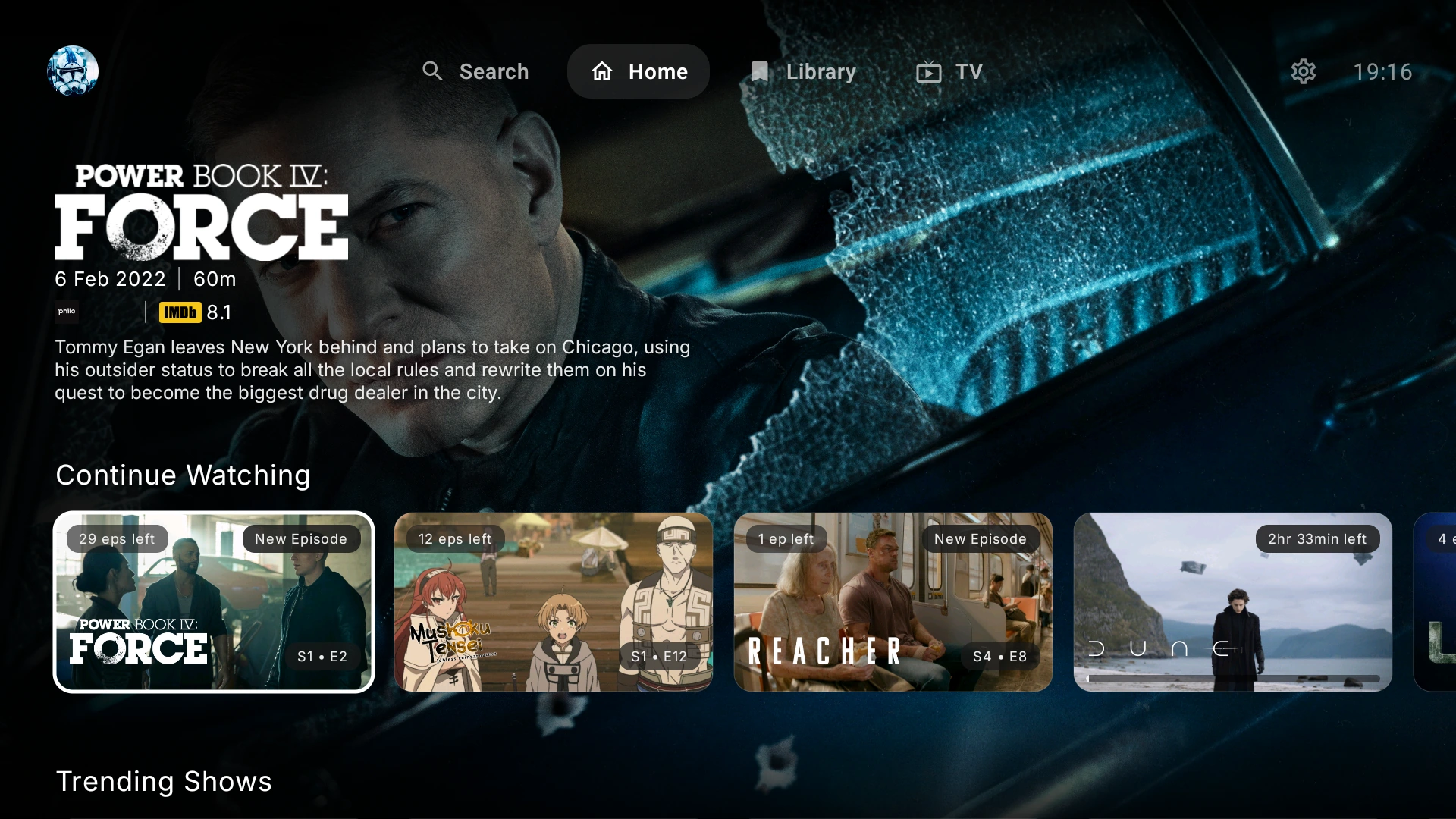
Open Library or the home screen and find a title already in your tracker account. To send playback updates, enable Update Trakt while watching or Update Simkl while watching and verify the result in that service.
Start with one tracker if you want a simpler setup. Add the other when you know which lists or history you want from it.
Reading and updating are separate
A watchlist records titles you intend to watch. Continue Watching uses available progress or next-episode data. Watched history supplies completed-title state. Changing one setting does not automatically change the others.
Choose the connected service that supplies your watchlist. Check this first if the list differs from the one you expected on the tracker website.
Choose where progress and Up Next are loaded from. Both-service modes can combine supported data, but providers do not necessarily return identical progress or title coverage.
Choose the service used for watched badges. A completed title, an in-progress title and a watchlist entry represent different kinds of state.
Enable Update Trakt while watching, Update Simkl while watching, or both for connected accounts. You can read your watchlist from one service while sending supported playback updates to both.
Scrobbling sends supported progress and watched updates while you watch through ARVIO. It requires a valid connection, enabled tracking and available service APIs. It is not a promise of instant, identical two-way synchronization across every player.
Connecting both trackers is not a full historical migration. To move an existing Trakt history into Simkl, follow Simkl's import instructions and check the import limitations separately.
Know which service stores what
The free Android app supports Android TV, Google TV and Android mobile. ARVIO Web provides another way to use trackers in compatible browsers. Check the intended tracker account, active ARVIO profile and source settings on each device.
Trackers carry their own supported watchlist and watched data between clients. This is separate from ARVIO Cloud's supported profile preferences. Free self-hosted ARVIO Web keeps its own profiles and settings in that browser; trackers do not synchronize IPTV settings, addons or the complete app state. Clearing browser site data removes local data.
See the browser and self-hosting guide. A listed title still needs an authorized playback source, such as your Plex, Emby or Jellyfin server or a compatible addon.
Common questions and troubleshooting
Yes. Connect both accounts, then choose the sources for watchlists, Continue Watching and watched history. Playback-update controls for Trakt and Simkl are independent of those read-source choices.
Check the authorized tracker account, active ARVIO profile and Watchlist source. Confirm that the title exists in that service's watchlist rather than only its history or in-progress list, then reload the view after synchronization.
A watchlist records what you intend to watch; Continue Watching uses supported progress or next-episode data. Check Continue Watching source separately from Watchlist source.
Confirm that the account remains connected and its Update while watching control is enabled. Check network and service availability, play a known supported title and inspect that same account on the tracker website. Reauthorize if the connection has expired.
No. ARVIO can read supported tracking data and send supported playback updates, but connecting two accounts is not a complete historical migration or a guarantee of identical databases.
No. These are optional tracking integrations, not media providers. Playback requires a separate authorized source whether or not a tracker is connected.
Related guides
Connect only sources and accounts you are authorized to use.