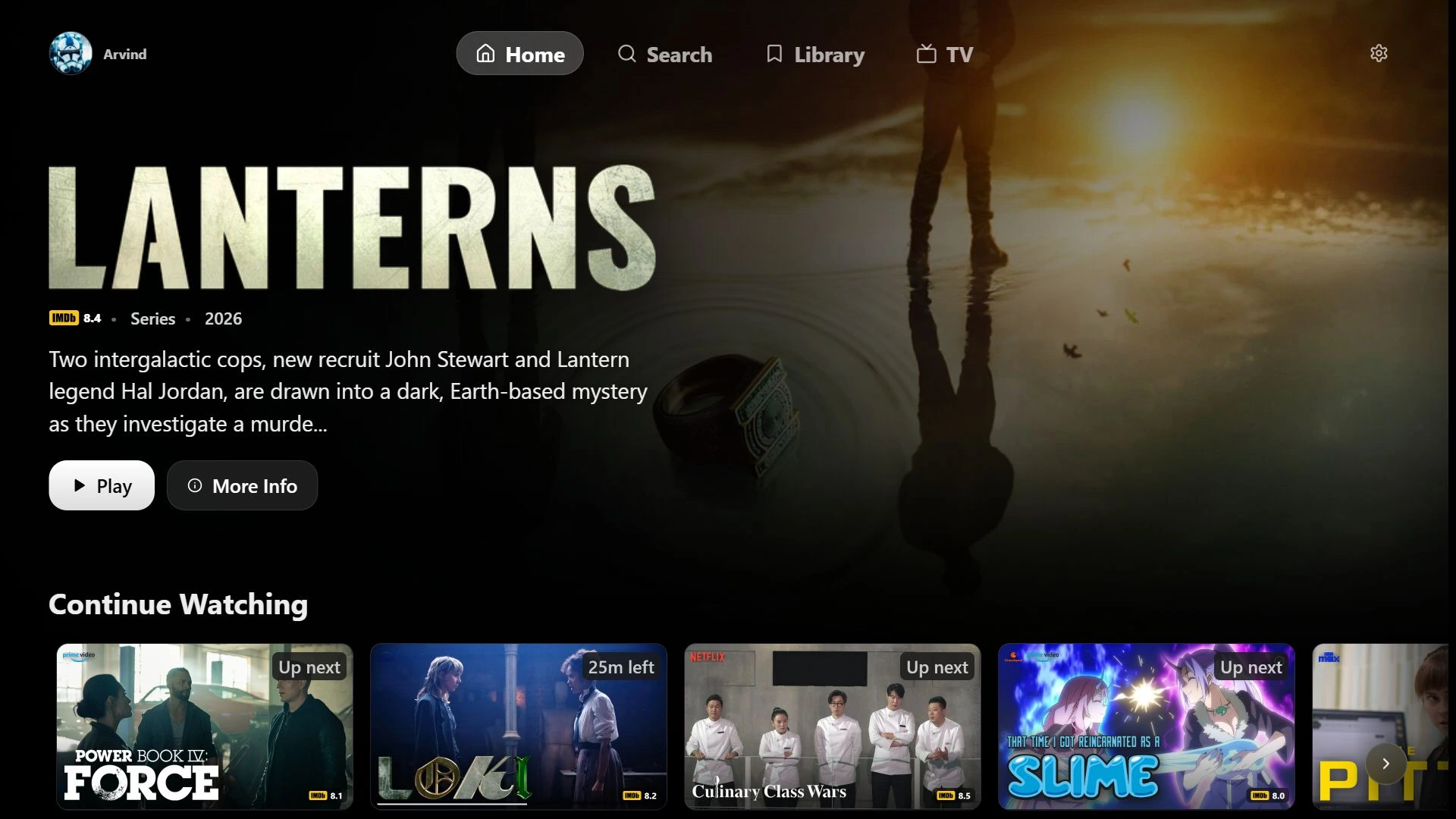
Is ARVIO available on iPhone and iPad?
This guide covers ARVIO Web in the browser on iPhone and iPad. An Android APK cannot be installed on iOS. Use the hosted web app or your own self-hosted installation, and test the formats and sources you use on that device.
How do I use ARVIO on Windows or Mac?
Open web.arvio.tv in a current browser for the hosted app, or open your self-hosted ARVIO address. This browser route does not require a Windows EXE, Mac DMG or Android emulator.
Do I need Premium to use ARVIO Web?
Premium is required to continue using the optional ARVIO-hosted service after its one-time trial. You can self-host the open-source web app without an ARVIO subscription using your own hosting and API credentials. The Android app is also free.
Why am I seeing a dashboard instead of the player?
The addon-management dashboard at arvio.tv/web/ is separate from the browser playback app at web.arvio.tv. Open the browser app for ARVIO Web playback and its hosted sign-in.
Why does my library load but a video fail to play?
Library access and video playback are separate checks. The media URL must be reachable, and its container, video, audio and subtitles must work with the device and browser. Follow the browser playback checklist and compare with a known compatible file.
Does self-hosting sync all my Android settings?
No. Self-hosted profiles, settings and history live in the current browser and do not use ARVIO Cloud. Connected Trakt or Simkl accounts can sync their own supported data, not your full ARVIO setup. Clearing site data removes browser-local data.