
Docker Compose · Node.js · Open source
Self-host ARVIO Web.
Keep the hosting in your hands.
Run the browser app on your own computer or server, with your own API credentials and no ARVIO subscription. This guide gets a local installation running, then explains what to check before using another device.
Updated 30 September 2026 · By the ARVIO project
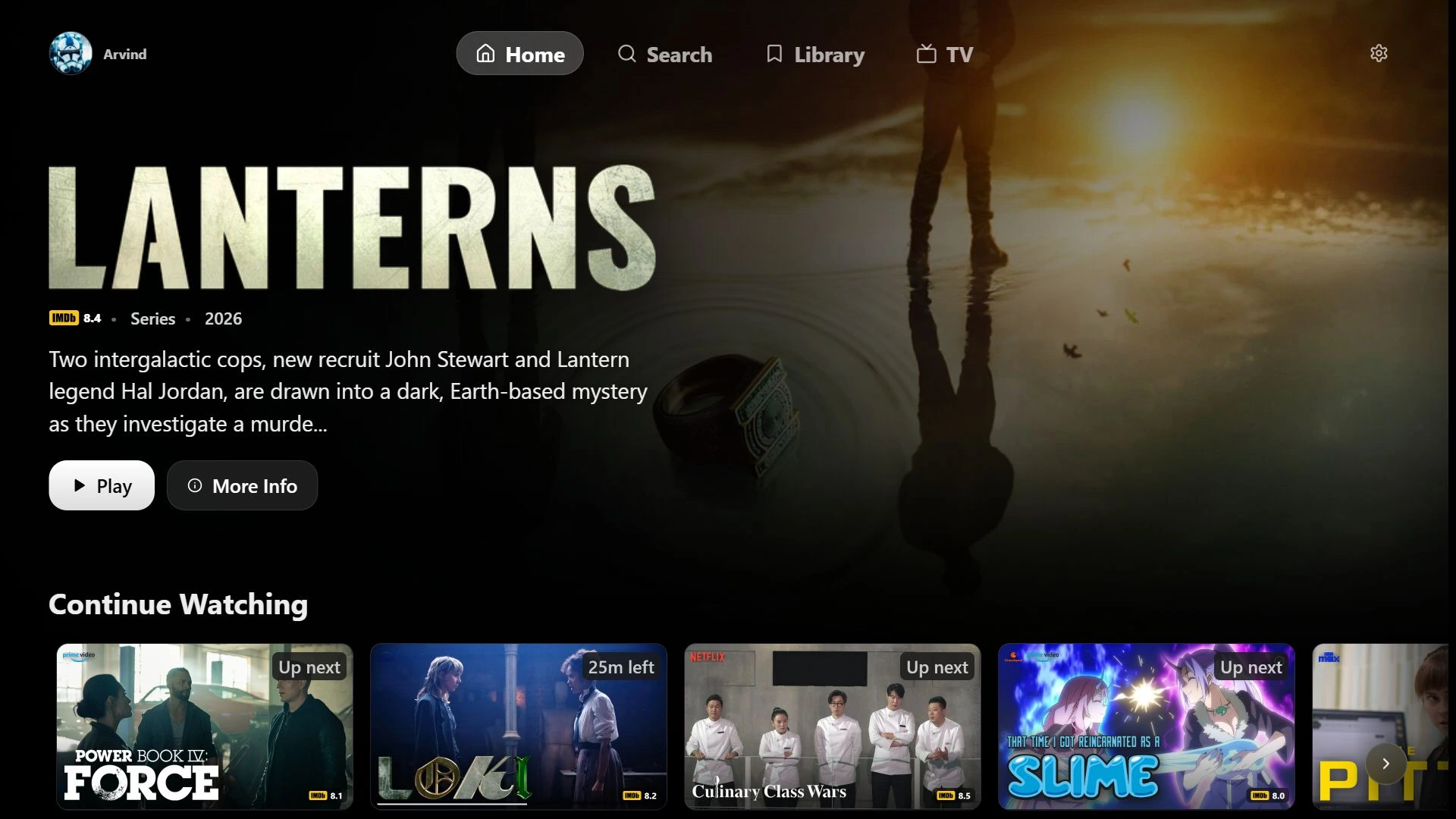
Choose who runs the server.
Self-hosting is useful when you want to manage installation, credentials, updates and access yourself. You need a computer or server that stays running while you use it. The free Android APK is a separate app and does not require this setup.
If you prefer to open the browser app without maintaining a server, ARVIO Premium provides managed hosting and helps fund development. A paid membership is optional; it does not unlock your independent installation or include third-party media subscriptions.
Option one
Run it with Node.js.
Install Node.js and Git.
Use Node.js 22.19 or newer; Node 22 LTS is the documented starting point. Open a terminal and download the repository:
git clone https://github.com/ProdigyV21/ARVIO.git
cd ARVIO/web
npm ci
npm run setup:selfhost
The setup command creates
.env.localfrom the included template. It leaves an existing file untouched.Add your metadata key.
Request your own key from TMDB's API settings. Open
.env.localin a text editor and setTMDB_API_KEYto the API key for v3 authentication, rather than the longer read-access bearer token. Keep this file private. TMDB supplies movie and show metadata, not playable videos.The template already selects independent mode with
NEXT_PUBLIC_SELF_HOSTED=true. Trakt, Simkl and Telegram credentials are optional; start with them blank if you do not need those integrations.Check, build and start.
npm run check:selfhost
npm run build
npm run start -- --hostname 127.0.0.1
Keep the process running and open http://localhost:3000 on that same computer. The checker validates configuration without printing keys. It does not establish that a provider accepts your credentials or that a source will play.
Option two
Run it with Docker Compose.
Install Docker with Compose, clone the repository and enter ARVIO/web. The included Compose file builds the webapp from source; there is no official image you need to pull first.
Create the environment file.
If Node is installed, use
npm run setup:selfhost. Otherwise copy.env.selfhost.exampleto.env.localin your file manager, ensuring you do not overwrite existing configuration. On Windows PowerShell, fromweb/:Copy-Item .env.selfhost.example .env.localAdd your own TMDB v3 key to
TMDB_API_KEY. The Compose file passes server credentials at runtime; keep the environment file outside anything you publish.Build and run the service.
docker compose --env-file .env.local up -d --build
docker compose --env-file .env.local ps
When the
arvioservice is running, open http://localhost:3000 on the host. The supplied setup binds to loopback by default and runs the application as a non-root user.
Get one source working first.
Create or select a local profile. In Settings, connect a home server, a supported addon, or your own TV playlist. For a first test, choose an item you know is accessible and encoded for your browser. A catalog can show a title without supplying a playable source.
Use the home-server connection guide or live TV setup guide for the source you have. If browsing works but playback does not, the browser playback checklist separates access, connection and format problems.
Understand where your data lives.
Independent mode stores profiles, settings and history in that browser's site storage. It does not sign in to ARVIO Cloud or copy your existing app configuration. A second browser has its own local state. Clearing site data, or changing the address or port, can leave you with an empty profile.
Trakt and Simkl can sync the watched and watchlist information their integrations support, using your own application credentials. They do not sync ARVIO profiles, addons, playlists or the entire setup. Preserve your browser profile and .env.local when planning backups; a Docker volume does not contain browser-local profiles.
Use another device deliberately.
localhost always means the device opening the address. An iPad opening localhost:3000 is looking at the iPad, not the computer running ARVIO.
For access from other devices, use a stable hostname and a trusted HTTPS reverse proxy with authentication, or a private deployment on a trusted VPN. Protect both pages and /api/* routes. Local profiles and PINs are not server access control, so do not expose port 3000 directly to the internet.
Private home-server metadata proxying is blocked by default. Only on a trusted installation protected by authentication, the maintained deployment guide explains ALLOW_PRIVATE_PROXY=true. That flag does not relay video or remove browser mixed-content and CORS restrictions.
ARVIO Web requires a Node/Next-compatible server. Uploading only HTML and JavaScript to a static host does not provide the required API routes. See the full security and deployment instructions before making the installation available beyond the host.
Keep the installation up to date.
From the repository root, run git pull --ff-only, then enter web/. For Node, repeat npm ci and npm run build, then restart your server process. For Docker, rebuild with:
docker compose --env-file .env.local up -d --build
docker compose --env-file .env.local ps
Neither method updates itself. Public configuration such as self-hosted mode and tracker client IDs is included during the build, so rebuild after changing it. Server-only secrets require a restart or container recreation. The maintained README is the reference for the current checkout.
Common questions.
Do I need ARVIO Premium to self-host?
No. The open-source webapp can run independently with your own API credentials. Premium pays for the separate managed service at web.arvio.tv.
Is there an official Docker image to pull?
The documented Compose setup builds the included Dockerfile from your checkout. You do not need an official prebuilt image.
Does the Docker container store my profiles?
No. Self-hosted profiles and settings live in each browser's site storage. A container volume does not back up those profiles, and a different browser does not automatically receive them.
Why does my installation ask for a subscription?
Check that you opened your own address instead of web.arvio.tv. For a Node build, confirm NEXT_PUBLIC_SELF_HOSTED=true before building. Changing a public environment variable after building does not rewrite the browser bundle.
Implementation references: Next.js self-hosting and Docker Compose environment variables.
Choose the hosting that suits you.
Maintain your own installation for free, or let ARVIO handle the hosting and support development.