Find an existing subtitle first
Check embedded tracks or search compatible subtitle sources. A good original track in your preferred language can avoid AI costs and translation errors entirely.

Free Android app · Optional integrations
When a usable subtitle track exists but not in your preferred language, ARVIO can translate its text during playback. Use your own Groq or Gemini credentials, choose your subtitle language and keep control over the original track. The Android app is free; AI-provider charges and limits are separate.
Updated 5 October 2026 · By the ARVIO project
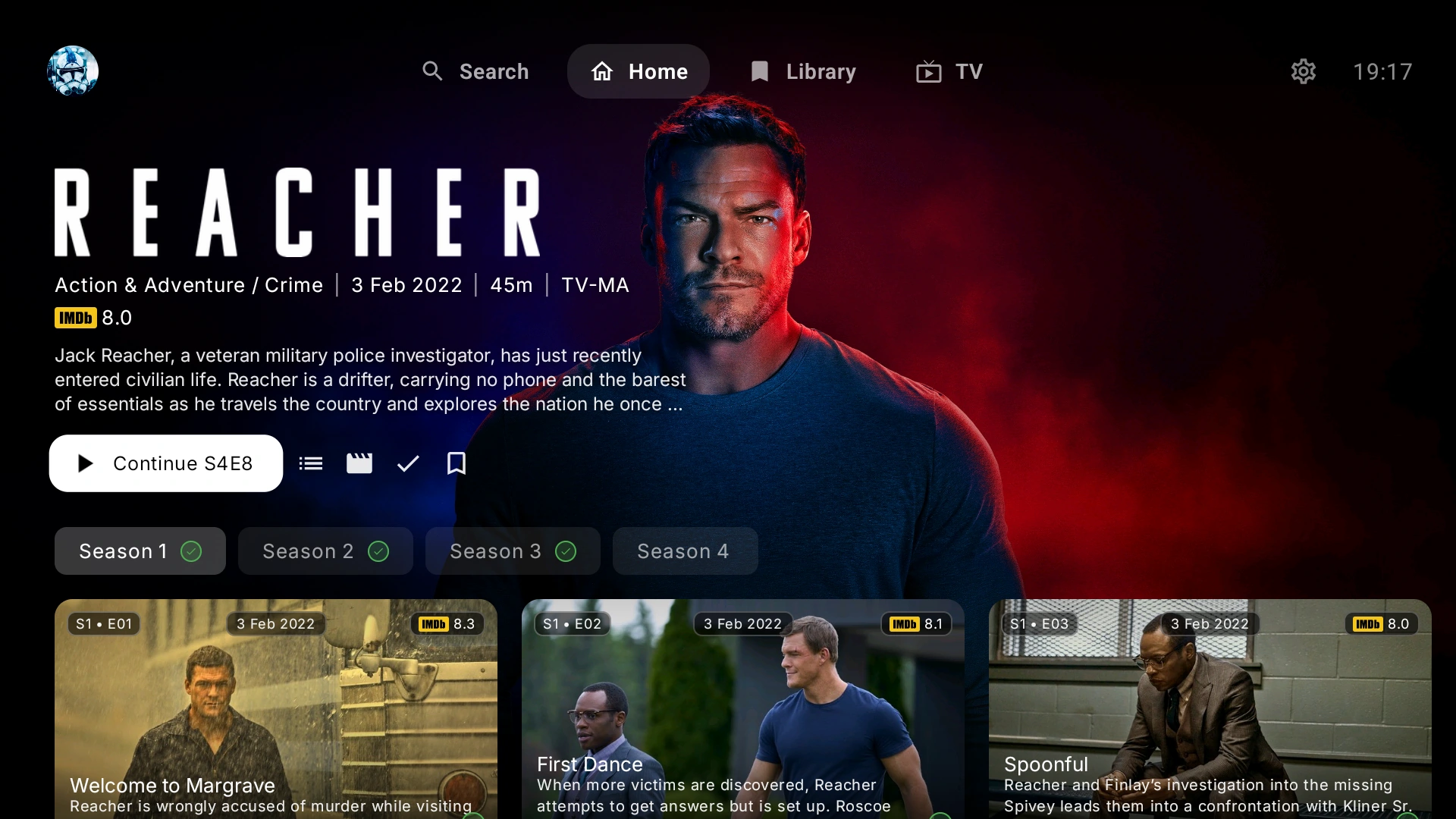
Step by step
Get the free app from Google Play or the official GitHub release. Set your preferred subtitle language in settings; translation needs a target language.
In Settings, find AI Subtitles, available within General on TV layouts. Enable AI Subtitle Translation and select Groq or Google Gemini under AI Model. Labels and grouping can vary with layout and app version.
Enter your own API Key for the selected provider. Android settings also offer Scan QR Code to Set Key so you can enter the credential through your phone instead of a TV remote. Keep the key private and check the provider's account requirements.
Open the player's subtitle menu and choose its available AI translation option. This path needs an eligible text subtitle source. Try an embedded or external text track rather than assuming that a file without subtitles will work.
Compare translated text with the original. If it is late or inaccurate, switch back to a regular track or choose another source. Auto-Select AI Translation is optional and still requires suitable source text.
Choose the right tool
Translated cues follow the source track's timing. Translating poorly synchronized subtitles does not automatically correct their timestamps.
Check embedded tracks or search compatible subtitle sources. A good original track in your preferred language can avoid AI costs and translation errors entirely.
AI subtitle translation works on text. Image-based PGS tracks do not provide readable text for this path. If no eligible source appears, try a different text track or an authorized external subtitle source.
Use subtitle offset controls when text appears early or late. Translation does not reconstruct missing lines or repair the source's timing automatically.
Adjust supported subtitle size, colour, style and position. Supported layouts can position text relative to the full display, including available black-bar space, rather than always covering the picture.
A separate player implementation
Open Settings → AI Subtitles, enable AI subtitle enhancement, select Groq or Gemini under AI model and enter AI API key. In the player, open Subtitles and choose AI translation when an eligible English subtitle source is available. Set your preferred subtitle language before testing.
The browser implementation translates existing subtitle cues; it is not an arbitrary audio-to-text transcription service. Embedded subtitle access and playback capabilities depend on the browser and source. Do not assume Android and browser players offer identical controls.
Free self-hosted browser profiles and settings stay local to that browser. Optional managed hosting and supported ARVIO Cloud preferences are separate; see the ARVIO Web setup guide.
ARVIO does not include an AI subscription or guarantee free unlimited translation. Your provider may require billing, impose quotas or change model availability. Check Groq's rate limits or Gemini API billing documentation rather than relying on a fixed per-movie estimate.
Subtitle text is sent to the selected provider. Review its privacy and retention terms before using sensitive content. AI translations can lose context, mistranslate names or contain errors. They are not authoritative transcripts or guaranteed accessibility captions.
Common questions and troubleshooting
No. AI subtitle translation is optional and uses your own Groq or Gemini API key. Provider billing, quotas and model availability apply separately from ARVIO.
Check that AI translation is enabled, the selected provider matches your API key and a target subtitle language is set. The text-translation path also needs an eligible readable subtitle source; image-based PGS tracks do not supply text.
Check the API key, account quota, billing requirements, network connection and provider availability. Translation can pause or fall back when requests fail or are rate-limited. Switch to an ordinary subtitle track while resolving the provider issue.
No. Translation follows the source subtitle cues. Use subtitle offset controls or choose a better synchronized source if the original track appears early or late.
ARVIO offers subtitle position and styling controls, and supported player layouts can position text relative to the full display. The result depends on the player, video aspect ratio and available display space.
No. Translations may contain errors, omit context or mishandle names and dialogue. Review the output and keep a regular subtitle track available as a fallback.
Related guides
Connect only sources and accounts you are authorized to use.